Robot Settings
HARP is designed as a modular control platform that supports integration with multiple robot arms through robot-specific plugins.
Each robot model has its own kinematic parameters, motion limits, tool definitions, and safety configurations. Robot-specific tuning and calibration parameters remain defined by the robot manufacturer and are not configured directly through HARP.
However, HARP provides access to selected robot parameters that can be modified directly from the interface. Supported changes are sent to the robot without requiring the user to open the robot's native configuration portal or teach pendant.
Mecademic Meca500
When a Meca500 robot is connected, click the Options button to access the configurable parameters supported by the HARP plugin.
The Meca500 plugin has been developed based on the manufacturer's publicly available specifications and is intended to provide an out-of-the-box integration experience for Meca500 users.
Robot Settings
The following parameters described below are taken from official Mecademic documentation. For more in depth details check Mecademic’s Official Resources.
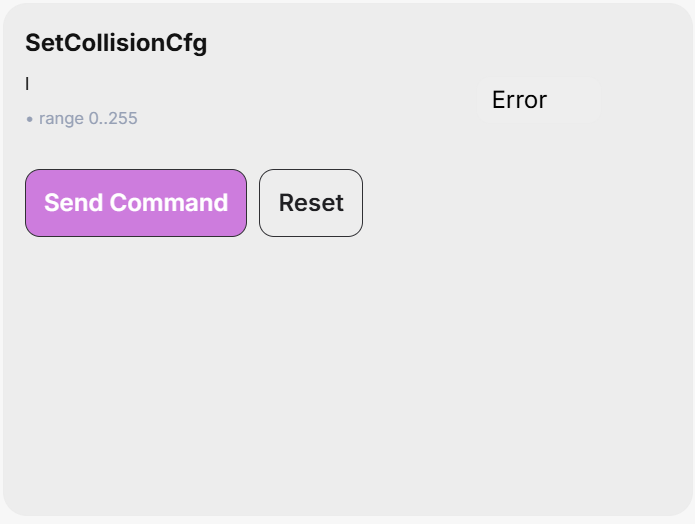
SetCollisionCfg
This command specifies the event severity for the collision supervision (robot links, tool sphere, and MPM500 module).
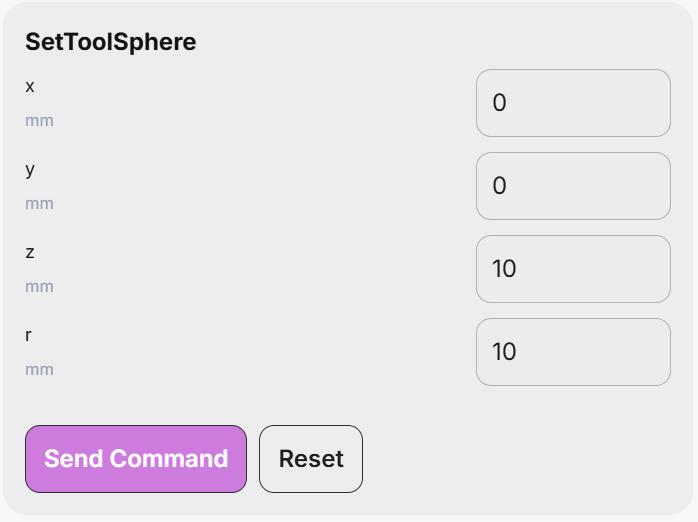
SetToolSphere
This command defines a sphere fixed in the flange reference frame (FRF). Interferences between that sphere and the robot links as well as the outside of a bounding box set with the SetWorkZoneLimits command can then be supervised, as defined by the SetWorkZoneCfg and SetCollisionCfg commands.
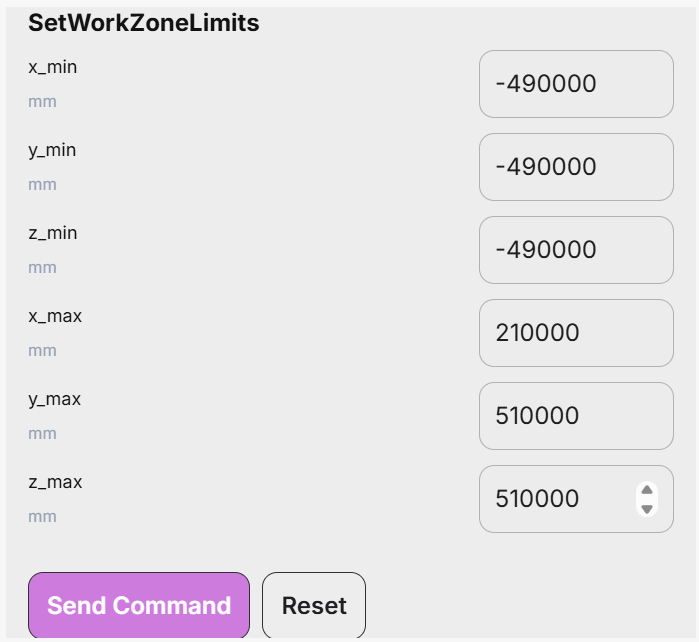
SetWorkZoneLimits
This command defines a bounding box (a cuboid), the sides of which are parallel to the axes of the base reference frame (BRF). The arguments of the command are the coordinates of two diagonally opposite corners, referred to as “minimum” and “maximum” corners, such that each coordinate of the minimum corner is smaller than the corresponding coordinate of the maximum corner.
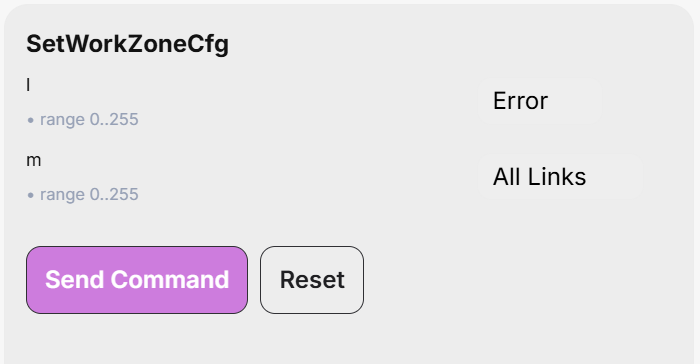
SetWorkZoneCfg
This command specifies the “event severity” for the work zone limits supervision and the robot parts that need to be verified.
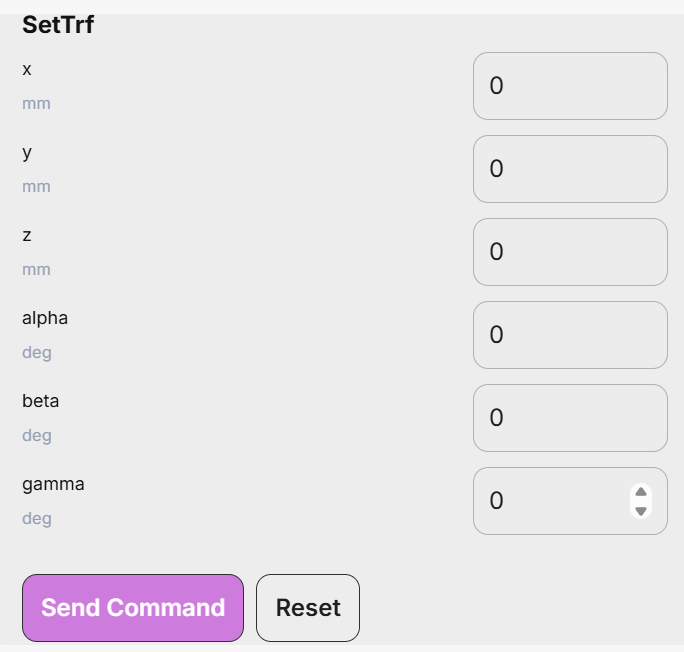
SetTrf
This command defines the pose of the TRF with respect to the FRF. Note that this command makes the robot come to a complete stop, even if blending is enabled.
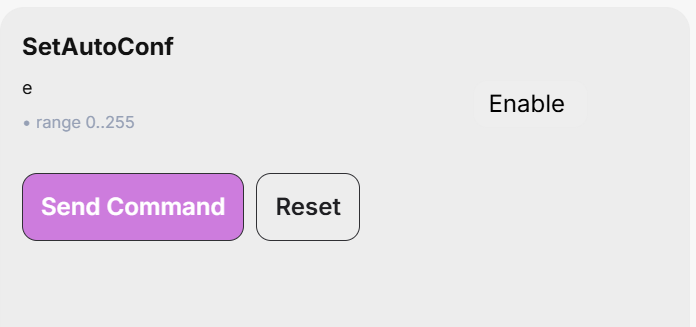
SetAutoConf
This command enables or disables the automatic posture configuration selection, to be observed in the MovePose and MoveLin* commands. This automatic selection, in conjunction with the turn configuration selection, allows the controller to choose the “closest” joint set corresponding to the target pose.
In the case of MoveLin* commands, enabling the automatic posture configuration selection allows the change of configuration, but only if the path happens to pass exactly through a wrist or shoulder singularity.
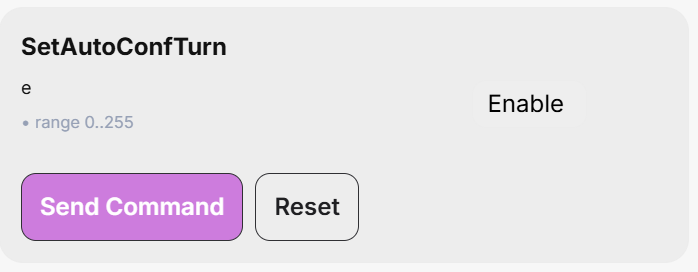
SetAutoConfTurn
This command enables/disables the automatic turn selection for the last joint of the robot. It affects the MovePose command and all MoveLin* commands. When the automatic turn selection is enabled, and a MovePose command is executed, the last joint will always take the shortest path, and rotate no more than 180°. In the case of a MoveLin* command, however, enabling the automatic turn selection simply allows the change of turn configuration along the linear move.