Robot Pose
By default, the robot is placed at the workspace origin, (0, 0, 0). Before starting teleoperation, configure the robot pose so that the virtual workspace matches the physical setup.
The goal is to ensure that leader motion maps intuitively to follower motion. For example, when the user moves the input device to the left, the robot should also move to the left. Likewise, upward motion of the input device should correspond to upward robot motion.
To configure the robot pose:
- Open Worlspace page in HARP.
- Find the Workspace Configuration box on the left.
- Select the connected robot from the object list on the left side.
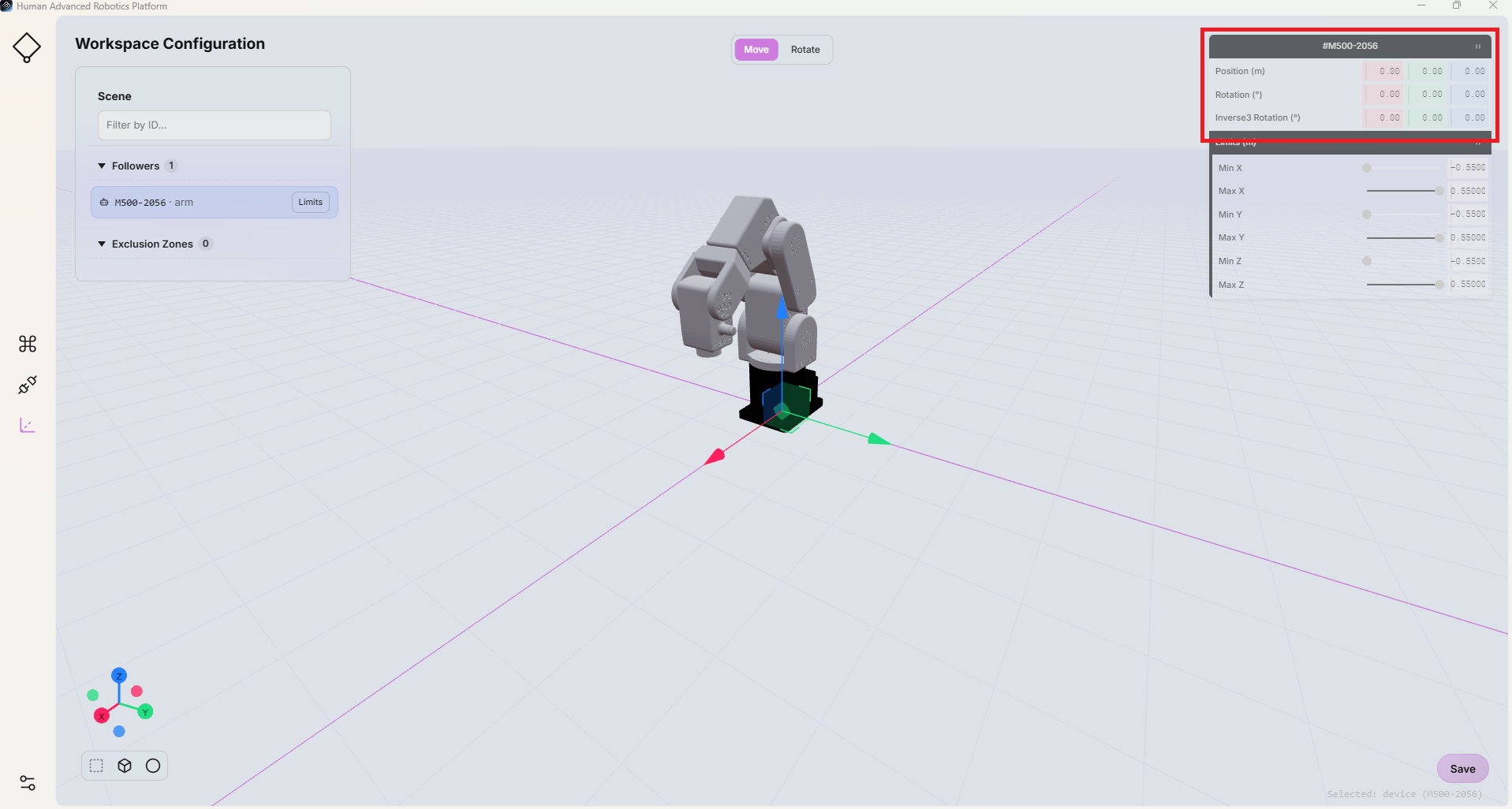
- Use the robot configuration fields on the right side to adjust:
- Position (X, Y, Z): Sets the robot base position in the workspace, in meters.
- Rotation: Sets the robot base orientation, in degrees.
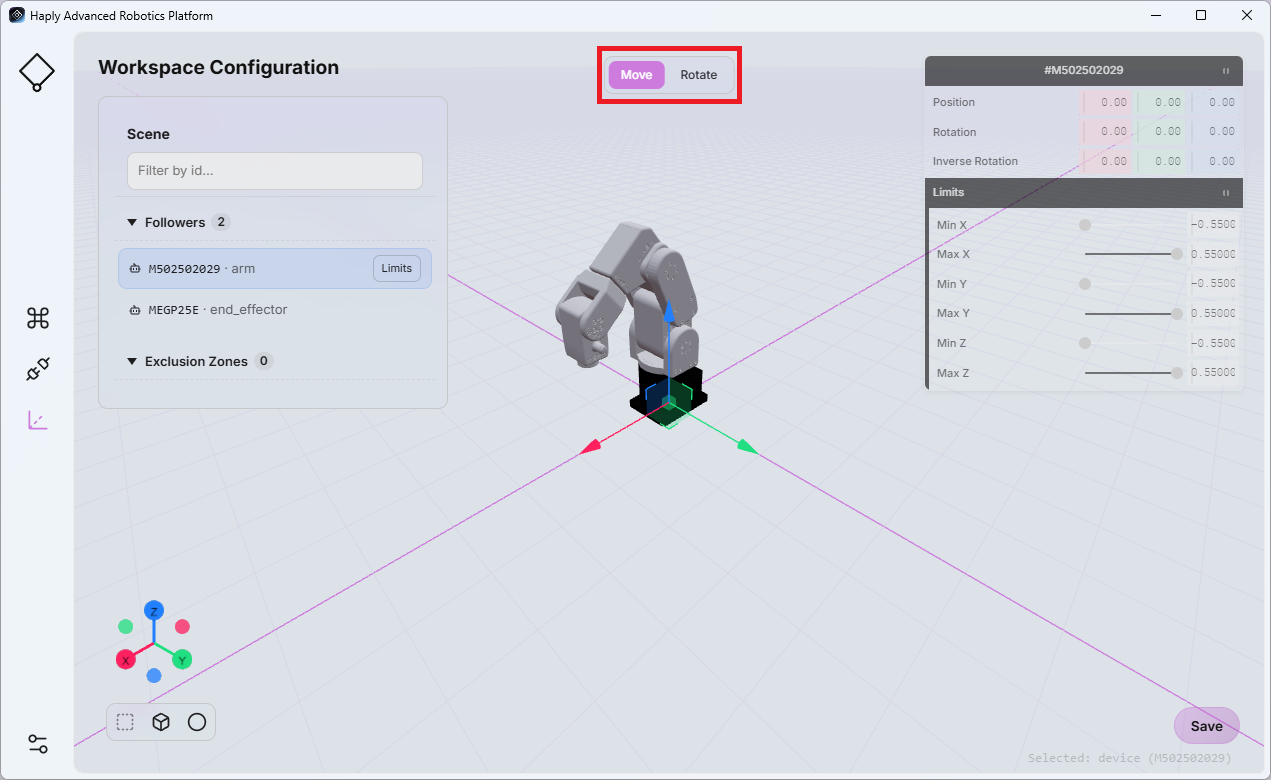
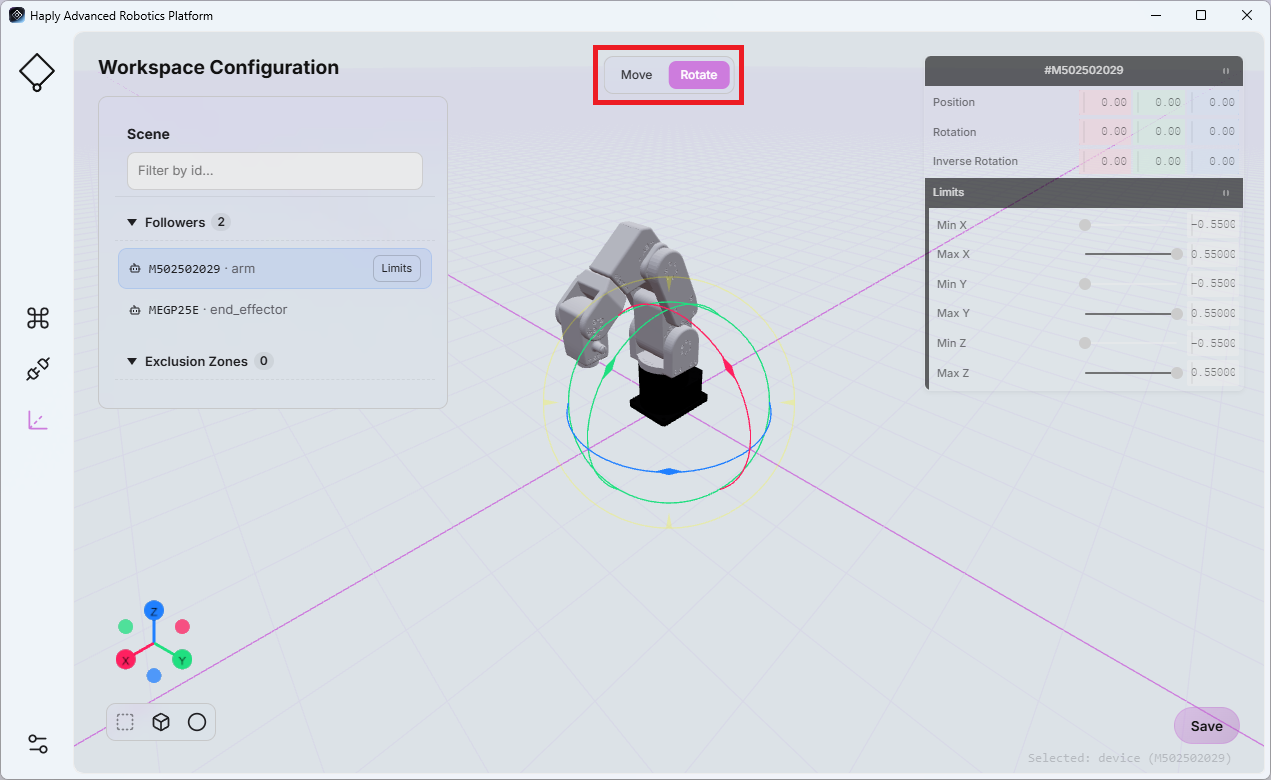
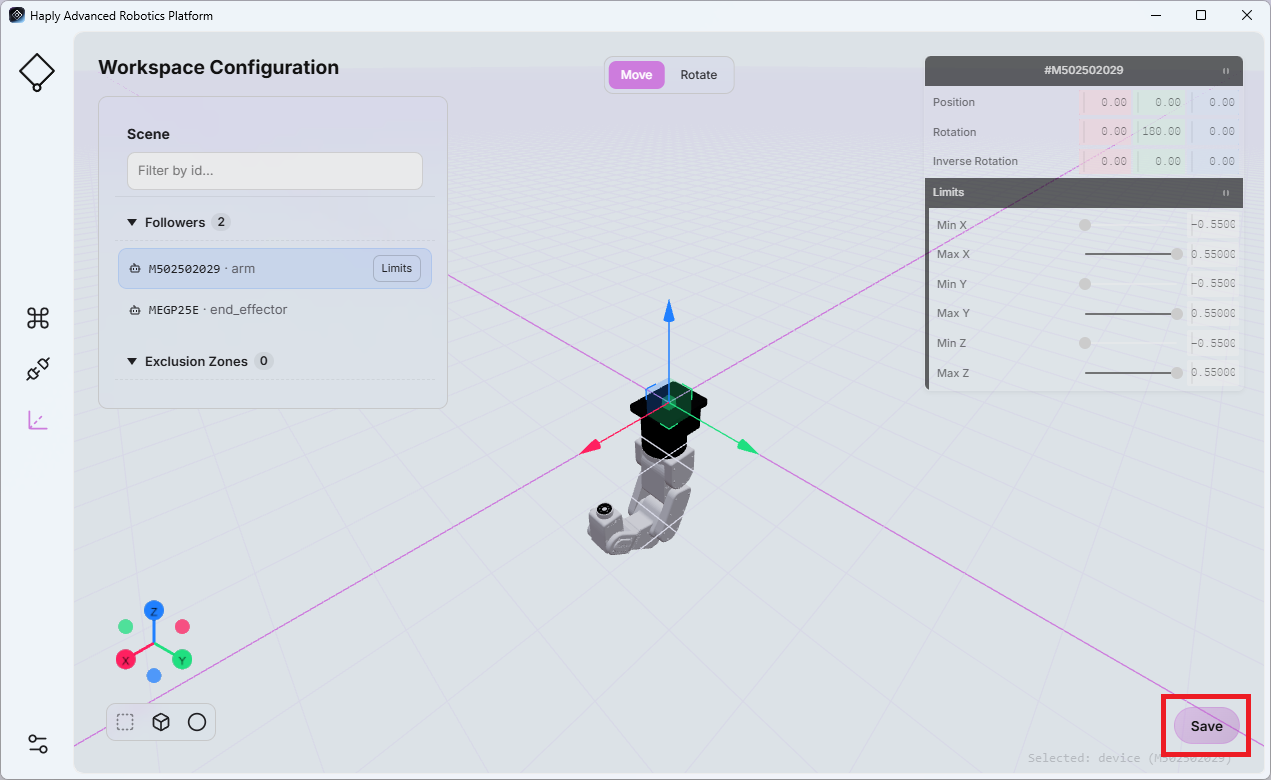
These settings can be used to represent different robot mounting positions and orientations within the physical workspace.
You can also configure the orientation of the Inverse3 by adjusting the values in the Inverse3 Rotation fields. These values are specified in degrees.
Click Save before leaving the page to store the updated configuration.